
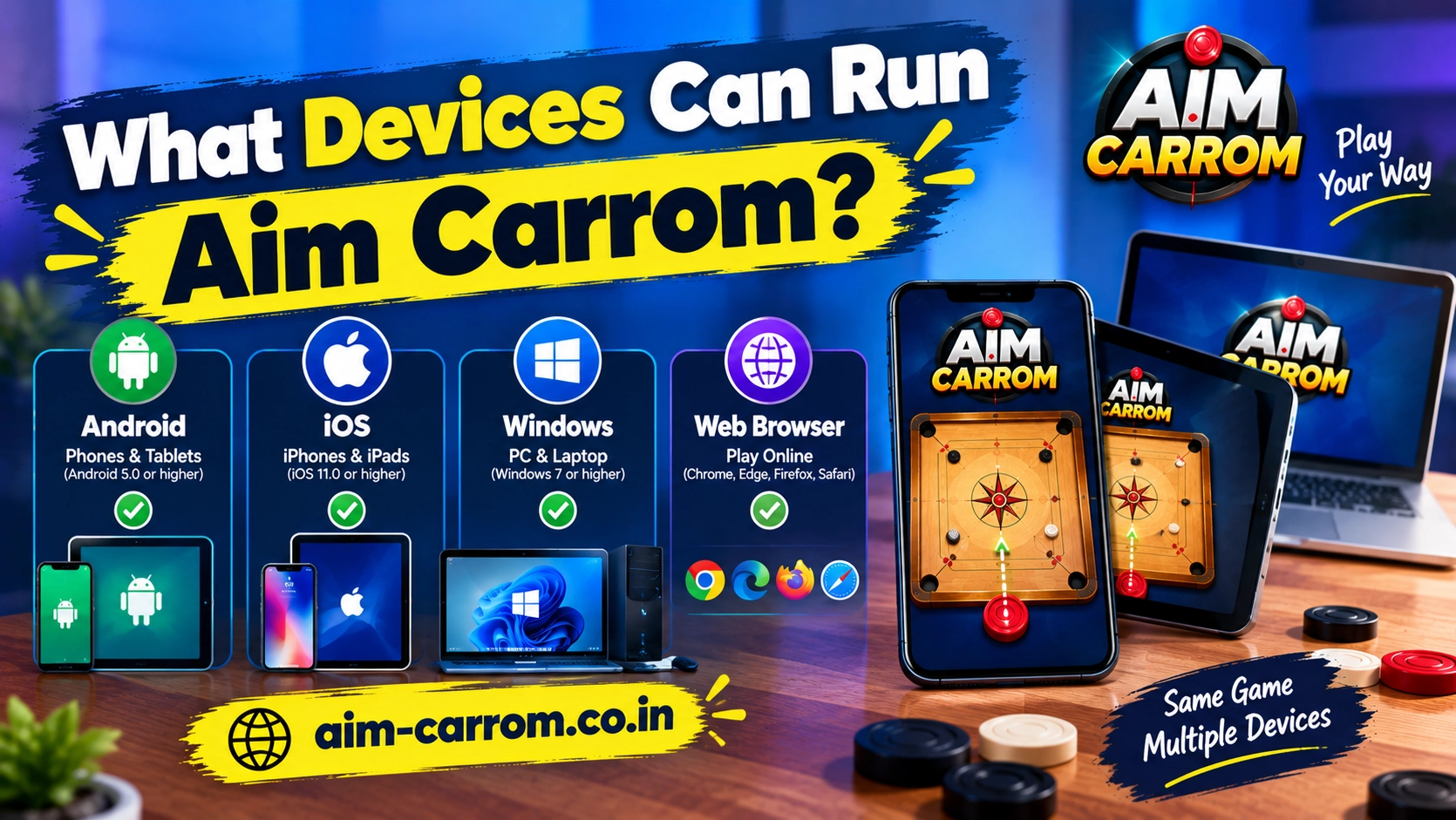
What Devices Can Run Aim Carrom? Device Compatibility Guide
Aim Carrom is primarily designed for Android smartphones and tablets. The application requires active screen-overlay capabilities and screen-capture features to calculate live target trajectories. As a result, operating system support varies significantly across different mobile and desktop platforms.
Understanding platform compatibility helps you determine whether your phone or PC can run the tool effectively.
Platform Support Breakdown
Not all operating systems support the background permissions required by overlay tools.
- Android Smartphones and Tablets: Fully supported on devices running Android 5.0 or higher.
- Windows PC (via Emulators): Supported when running Android emulators like BlueStacks, LDPlayer, or NoxPlayer on Windows 10 or Windows 11.
- Apple iOS (iPhone / iPad): Not supported because iOS system security blocks apps from displaying overlays over other active applications.
- Mac Computers: Not natively supported, though Apple Silicon Macs running Android emulation software can run the tool indirectly.
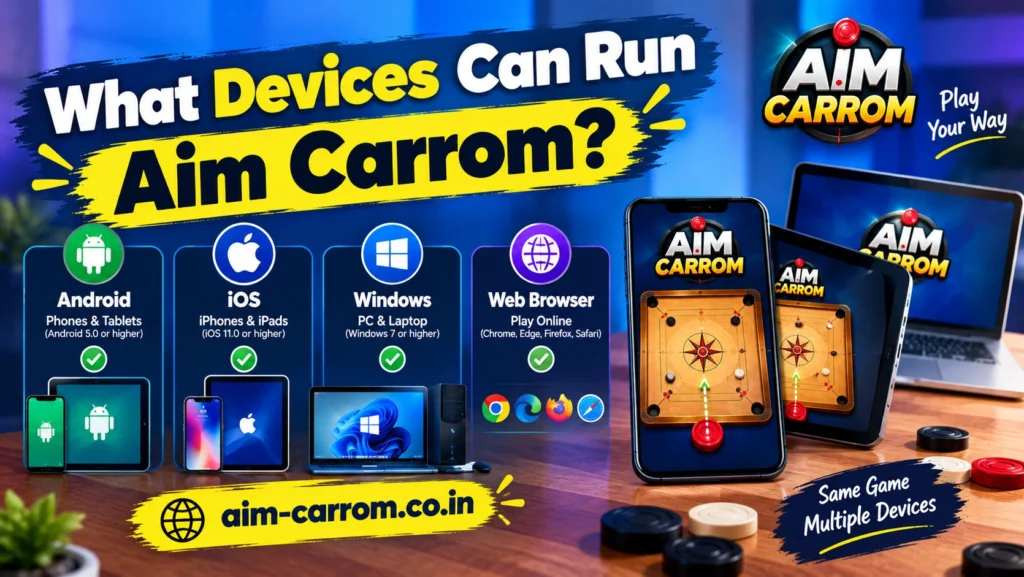
Device Compatibility Overview
Hardware capabilities determine how smoothly aiming lines render during gameplay.
| Platform / Device Type | Compatibility Status | Operational Requirements |
| Android Phones (Android 5.0+) | Fully Compatible | Requires overlay permissions and 2 GB RAM minimum |
| Android Tablets | Fully Compatible | Works smoothly on larger screens with active display rights |
| Windows PC (Android Emulator) | Indirectly Compatible | Requires virtualization enabled and emulator software |
| iPhone and iPad (iOS) | Not Compatible | Apple security restricts live screen overlays entirely |
Hardware Requirements for Android Devices
To maintain real-time line rendering without experiencing game lag, your Android device should meet these minimum hardware specifications.
First, ensure your phone has at least 2 GB to 4 GB of System RAM. Lower memory setups can cause Android to close background tools mid-match.
Second, ensure your processor supports screen recording permissions. Processors from Snapdragon, MediaTek, or Exynos lines easily handle image analysis calculations without overheating.
Finally, verify that your display settings allow custom overlay windows. Without active overlay rights, the tool cannot draw lines on top of the Carrom Pool application screen.
How to Run Aim Carrom on a PC
If you play Carrom Pool on a laptop or desktop computer, you can run Aim Carrom through an Android emulator.
First, download and install a compatible Android emulator such as BlueStacks or LDPlayer on your Windows PC.
Second, install both Carrom Pool and the Aim Carrom APK file inside the emulator environment.
Finally, grant screen overlay permissions within the emulator settings. Running the app on a PC provides smooth performance since computer processors easily handle image recognition workloads.
Conclusion
Aim Carrom runs natively on Android smartphones, Android tablets, and Windows PCs using emulators. Apple mobile devices running iOS do not support the tool due to system privacy restrictions. If you use an Android device with at least 2 GB RAM and Android 5.0 or higher, you can run the app without technical issues.