
What Are the Aim Carrom System Requirements for Android? Complete Hardware Guide
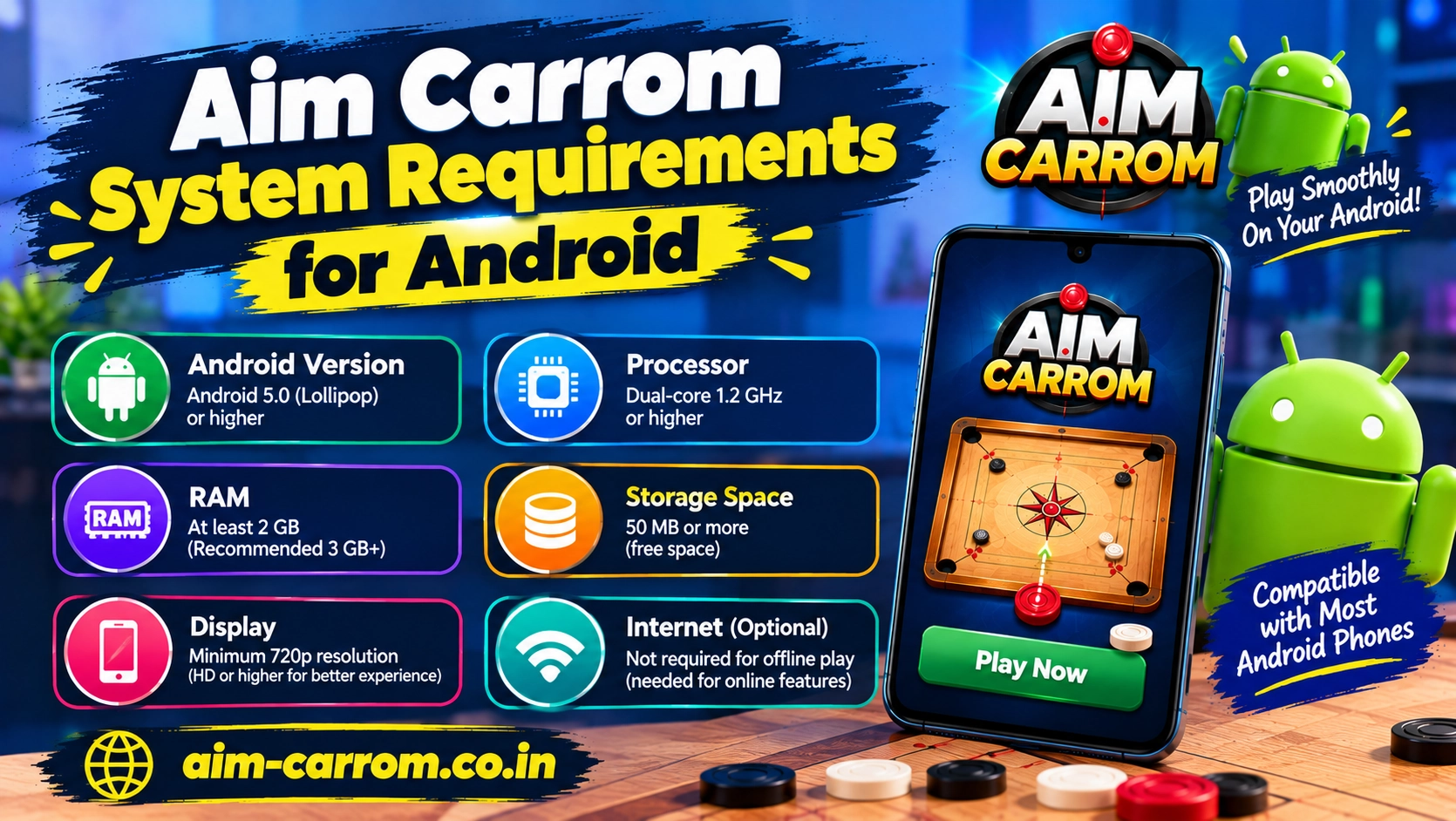
To run Aim Carrom smoothly on Android, your device needs at least Android 5.0, 2 GB of RAM, and active screen overlay permissions. Because the application analyzes game graphics in real time and draws trajectory lines over live gameplay, meeting minimum hardware specifications ensures a lag-free experience.
Checking your smartphone hardware before installation prevents sudden app crashes and missing targeting lines.
Minimum vs Recommended System Requirements
While older Android smartphones can boot the application, recommended specifications ensure high frame rates during competitive matches.
- Operating System: Minimum Android 5.0 (Lollipop) | Recommended Android 10.0 or higher
- RAM (Random Access Memory): Minimum 2 GB RAM | Recommended 4 GB RAM or more
- Free Storage Space: Minimum 50 MB for installation files | Recommended 200 MB for smooth temporary caching
- Processor (CPU): Minimum Quad-Core 1.5 GHz | Recommended Octa-Core Snapdragon, MediaTek, or Exynos chipsets
- Display Support: Minimum 720p HD resolution | Recommended 1080p Full HD resolution for crisp line accuracy
Android Requirements Overview
Hardware configurations directly impact how accurately targeting vectors map across the digital carrom board.
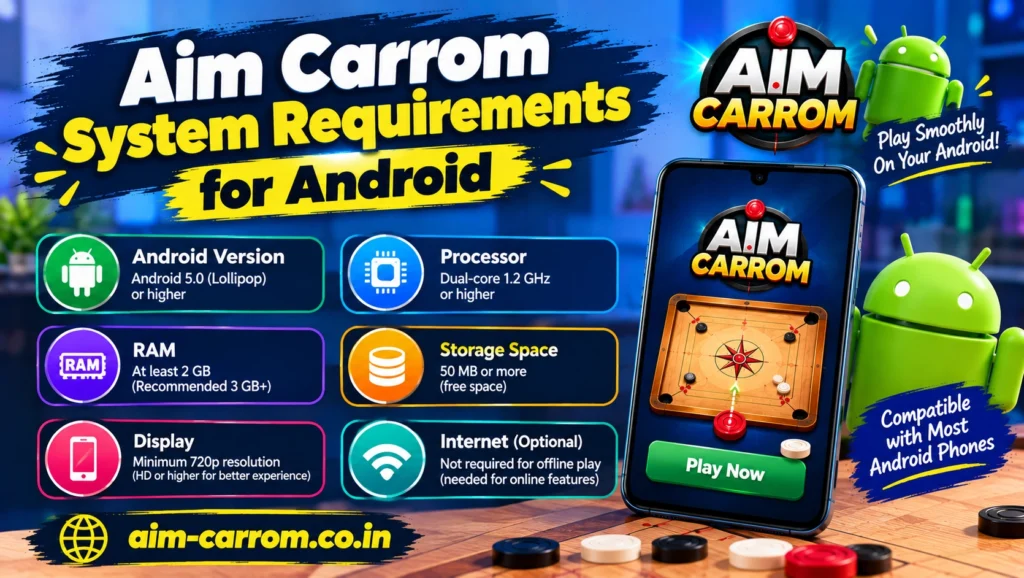
| Hardware Component | Minimum Requirement | Recommended Specification |
| Android Version | Android 5.0 (Lollipop) | Android 10, 11, 12, 13, or newer |
| System Memory (RAM) | 2 GB RAM | 4 GB RAM or higher |
| Processor Speed | Quad-Core 1.5 GHz | Octa-Core 2.0 GHz+ |
| Display Overlay | Supported | Supported with high-refresh-rate display |
| Internal Storage | 50 MB free space | 200 MB free space |
Essential System Settings and Features Needed
Besides hardware components, specific software features must be supported by your Android phone.
First, your Android operating system must support the Display Over Other Apps feature. This setting allows the visual targeting lines to render directly on top of the Carrom Pool game board.
Second, your hardware needs sufficient graphics processing power to handle live screen capture. Real-time image recognition continuously reads pixels, so older budget processors may experience slight overheating or frame drops.
Finally, battery optimization settings must allow background processing. Restrictive power-saving modes on devices running custom skins like MIUI, One UI, or ColorOS can forcefully terminate background tools during live matches.
How to Optimize Your Android Phone for Aim Carrom
If your Android device meets the minimum specs but struggles with line lag or stuttering, simple system adjustments can optimize performance.
First, clear background applications before launching your match. Freeing up active RAM allows the image analysis engine to process frame calculations without delay.
Second, disable battery saver modes while playing. Power-saving profiles throttle CPU performance, which slows down cushion shot trajectory rendering.
Finally, ensure game turbo or gaming mode settings whitelist both Aim Carrom and Carrom Pool. Adding both apps to your device gaming suite prevents automatic background process termination.
Conclusion
Aim Carrom is lightweight but requires moderate processing power and active overlay rights to function correctly. Devices running Android 5.0 or above with at least 2 GB of RAM will run the application easily. For optimal real-time line rendering without game lag, using a modern device with 4 GB of RAM and an Octa-Core processor provides the best gameplay experience.