
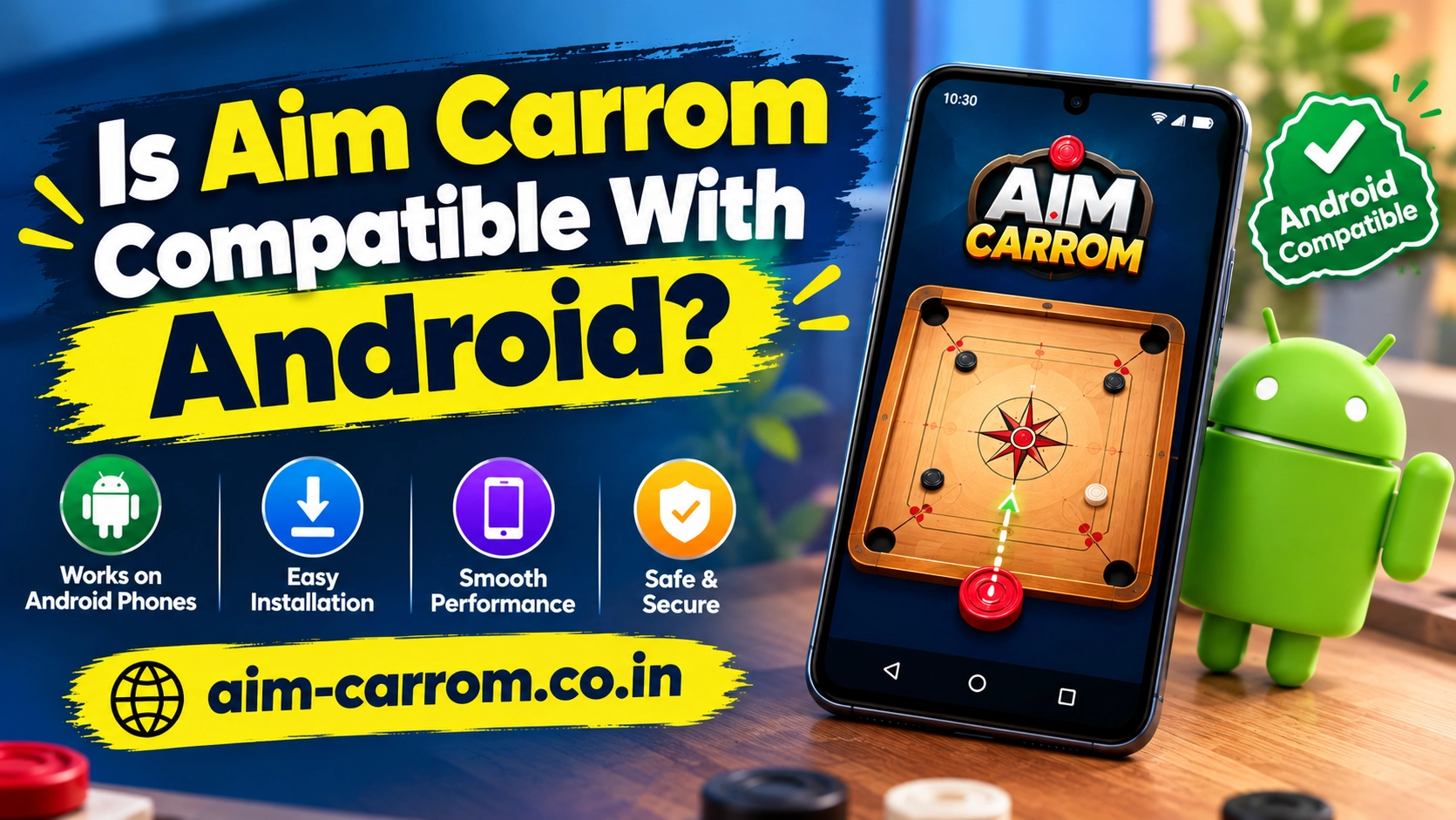
Is Aim Carrom Compatible with Android? System Requirements and Compatibility Guide
Yes, Aim Carrom is fully compatible with Android devices. The application is designed primarily for the Android operating system to provide real-time line overlay assistance during Carrom Pool matches. Understanding device requirements and setup details ensures smooth performance without unexpected app crashes.
The tool relies on specific system permissions to function correctly alongside mobile games on Android devices.
Android System Requirements for Aim Carrom
To run the application smoothly without lag or frame drops, your smartphone should meet basic hardware and software specifications.
- Operating System Version:Requires Android version 5.0 or higher.
- System RAM: Minimum 2 GB RAM recommended for stable screen rendering.
- Storage Space: Requires at least 30 MB to 50 MB of free internal storage space.
- Screen Overlay Support:Must support the Display over other apps system permission.
- Processor Compatibility: Operates smoothly on ARM-based 64-bit and 32-bit mobile processors.
System Compatibility Overview
Different Android configurations offer varying levels of app stability. The table below highlights performance metrics across different device types.
| Device Category | Compatibility Status | Performance Expectation |
| Modern Android Phones (Android 10 and above) | Fully Compatible | Excellent performance with instant real-time line tracking |
| Older Android Phones (Android 5.0 to Android 9.0) | Compatible | Stable performance, though minor line delay may occur on low RAM |
| Budget Android Devices (1 GB RAM) | Partially Compatible | Higher chance of frame drops or background app closing |
| iOS Devices (iPhone / iPad) | Not Compatible | App is developed for Android systems and unavailable on iOS |
Crucial Android Permissions Required
To function as a live target assistant, Aim Carrom needs specific permissions enabled in your Android settings.
First, enable the Display Over Other Apps permission. This setting allows the application to draw virtual targeting lines directly over the Carrom Pool game board during live gameplay.
Second, grant Screen Capture / Recording Permission when prompted upon launching the app. The underlying image recognition technology analyzes screen pixels in real time to calculate exact bounce trajectories.
Finally, ensure battery optimization is disabled for the app. Android power-saving features can forcefully close background overlays, disrupting line tracking mid-match.
How to Ensure Smooth Performance on Android
If you experience lagging or missing guidelines while playing, clearing application cache files often restores stability. Maintaining sufficient free memory stops Android from terminating background services during intense matches.
Additionally, ensure that your Carrom Pool game and overlay tool are both updated. Mismatched app versions can result in misaligned aiming lines or application crashes.
Conclusion
Aim Carrom is built specifically for Android phones and performs reliably on most modern devices. As long as your phone runs Android 5.0 or above and supports screen overlay permissions, you can run the tool without technical difficulties. However, iPhone and iPad users must look for alternative solutions since the tool does not support iOS platforms.